
Preserve evidence before cycling switches
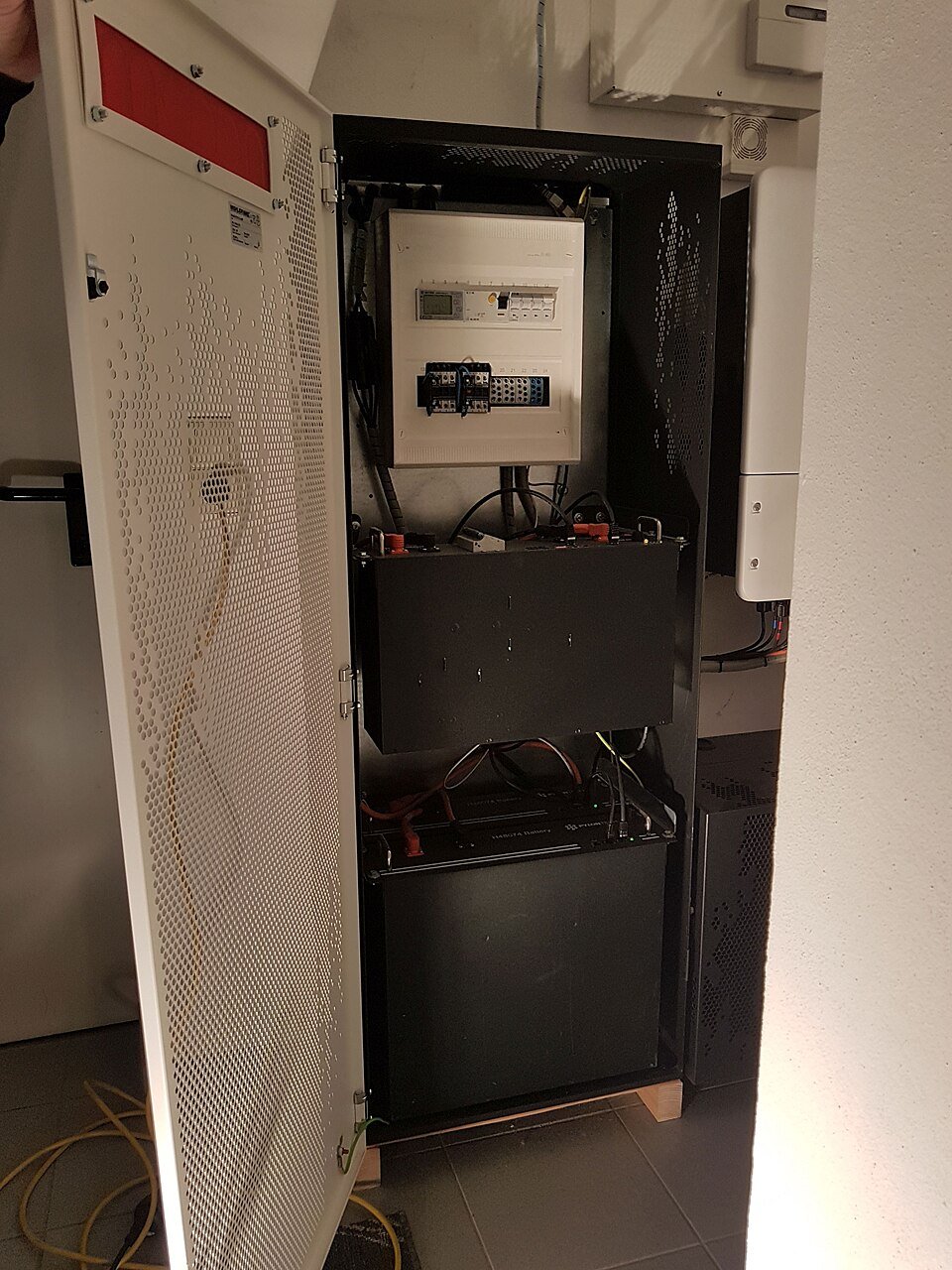
When a battery unexpectedly shuts down, a quick power cycle can erase useful context from a display or cloud portal. If there is no immediate safety hazard, first record the time, state of charge, inverter status, error code, recent weather and whether the grid was present. Photograph accessible indicators without opening enclosures. If there is heat, smoke, swelling, impact damage, water ingress or another safety concern, follow the manufacturer emergency guidance and contact qualified support rather than troubleshooting.
Separate battery, inverter and communication symptoms
A monitoring portal showing a missing battery does not prove the cells failed. The issue can involve the battery management system, inverter, communications cable, gateway or firmware. Compare local device indicators with the app and record which components are online. The BMS communication checklist helps structure that evidence without asking an owner to touch live wiring.
Restart procedures are product-specific
Some systems have a defined order for isolators, battery switches, inverter controls or backup equipment. Do not invent a generic sequence from another brand or an old model. Use the current manual for the exact installed configuration, and let a qualified installer perform procedures that involve electrical isolation. Record the document revision and the result of each authorized step so repeated failures can be escalated with useful evidence.
Close the incident with a commissioning-quality record
If service restores operation, record the identified cause, firmware or component changes, final state of charge and any altered settings. For backup systems, verify that normal grid-connected operation and the approved backup function still behave correctly after the repair. Add the incident to the handover record. A good support history helps distinguish a one-off communication fault from a recurring product or installation problem later.