
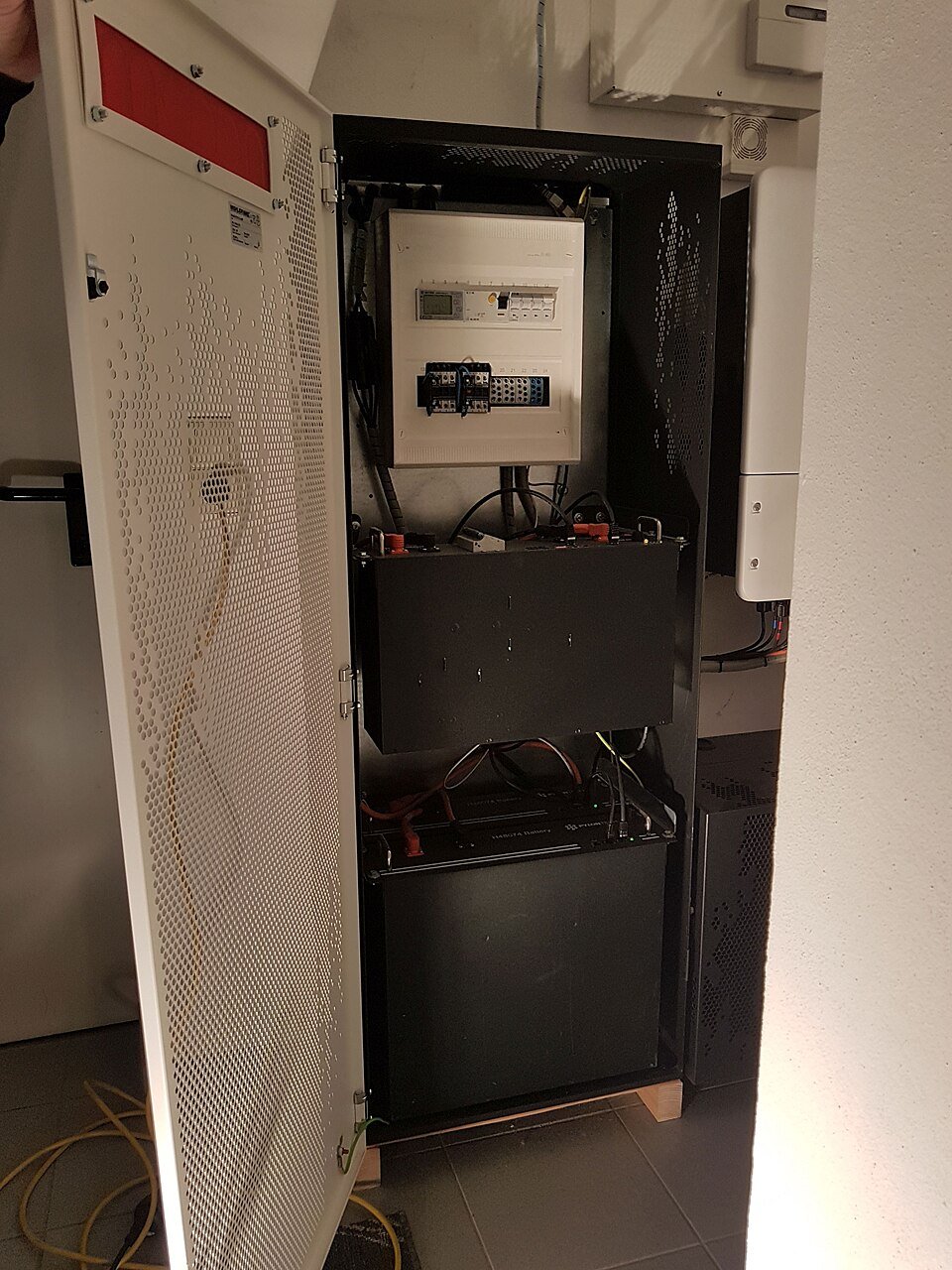
Confirm that expansion is permitted for the exact system
Battery families can look modular while still having strict rules about how many modules may be combined, whether towers must match, which inverter firmware is required and whether an older generation can mix with a newer one. Start with the current compatibility matrix and installation manual for the exact battery and inverter. Record serial/model identifiers before ordering additional hardware so the installer can verify that the proposed expansion is supported.
Firmware is part of hardware compatibility
A new battery module may ship with different firmware from an existing stack. Some systems automatically align versions during commissioning, while others require a prescribed update sequence. Do not interrupt an update or improvise a firmware downgrade. The installer should record the battery-management-system and inverter versions before and after expansion and confirm that monitoring shows every module correctly.
State of charge and battery age can affect the procedure
Manufacturers may specify acceptable state-of-charge differences or commissioning steps before modules are electrically combined. Mixing batteries with different histories can also have warranty or performance implications. The mixed-age module checklist helps collect the questions, while the exact manufacturer document determines what is allowed.
Recommission the safety and backup functions after expansion
An expansion changes stored energy and can change charge/discharge limits. After the hardware is added, verify configured capacity, power limits, reserve settings, backup operation, communications and any export-control behavior. Save screenshots of the final system inventory and monitoring page. If the project includes whole-home backup, repeat representative backup-load testing rather than assuming the old test covers the expanded configuration. The commissioning handover checklist provides a place to retain that evidence.