
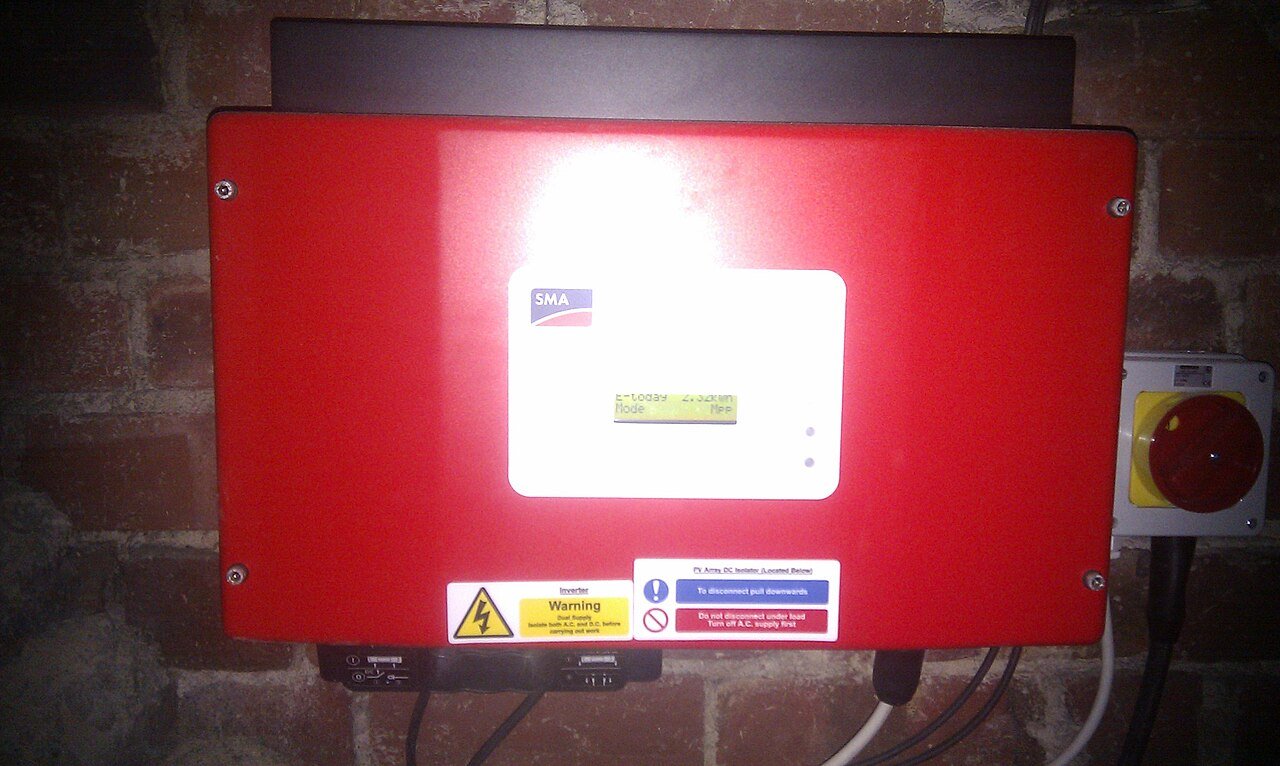
First decide whether the energy system or only the dashboard looks wrong
A monitoring graph can show zero solar, impossible self-consumption or reversed grid import/export even while the inverter is operating normally. Before assuming hardware failure, compare several sources: inverter status, utility meter direction, battery SOC, recent bills and the monitoring portal. Note the exact time window because cloud platforms can also have delayed uploads or missing intervals during an internet outage.
Current-transformer direction and assignment are common configuration variables
Many systems use CT sensors to measure grid or load current. If a CT is installed in the wrong direction, on the wrong conductor or mapped to the wrong phase, the monitoring system can calculate implausible energy flows. This is not a reason for an owner to open a switchboard or move a sensor. Record screenshots and ask a qualified installer to compare the physical installation with the manufacturer’s commissioning instructions.
Check communications before changing electrical settings
Wi-Fi, Ethernet, gateway and cloud outages can create data gaps without changing actual energy production. Confirm whether the inverter retained local production totals during the missing period. If battery SOC and power values are also inconsistent, use the BMS communication checklist to separate battery communication from metering issues.
Build a simple sanity test for the service technician
Record a short period with known large household load, a period of strong PV production and—if safe and automatic—a normal battery charge/discharge event. The expected direction of grid, PV, load and battery power should be internally consistent. Save the evidence before a technician changes CT orientation or software mapping. Also keep the commissioning record because meter type, CT ratio, phase mapping and gateway configuration should be documented there. Good troubleshooting changes one verified variable at a time instead of “resetting everything.”