
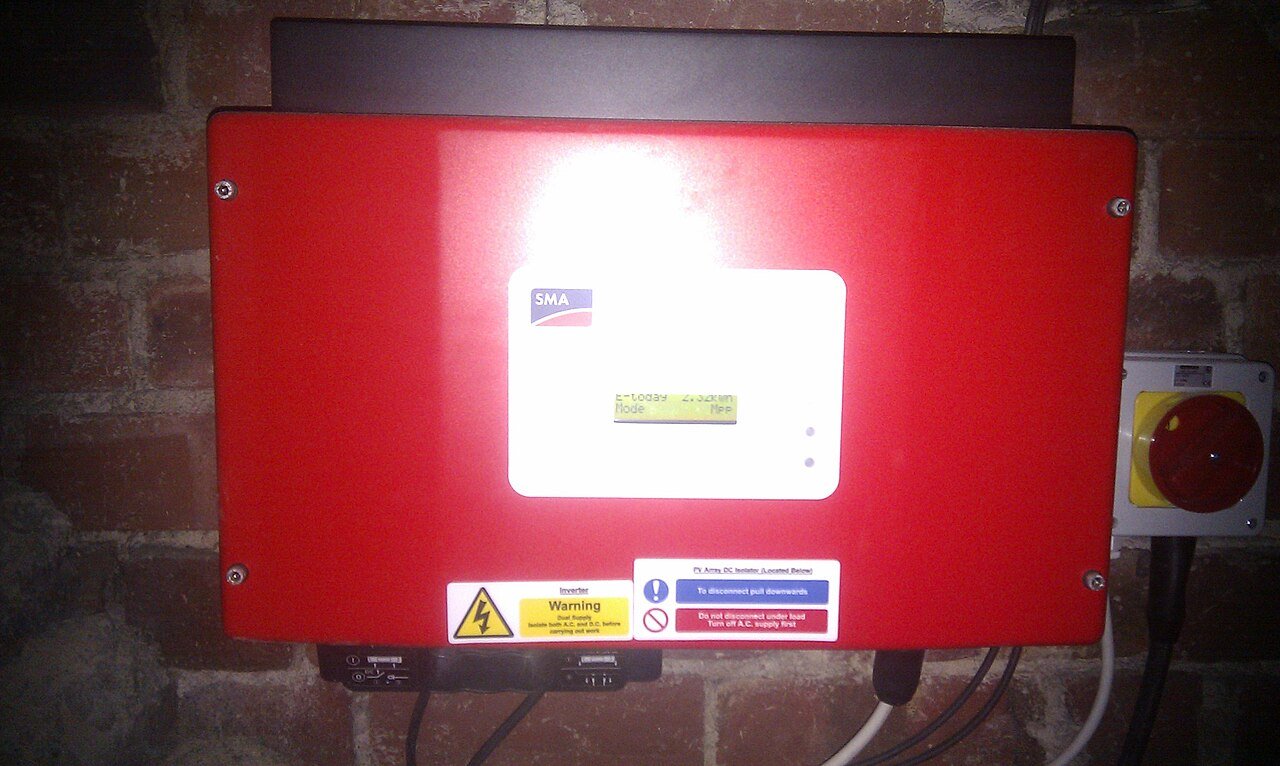
Confirm the exact hardware and update path first
Do not assume firmware for a similar model, region or hardware revision is interchangeable. Record the full inverter model, serial or hardware revision where available, current firmware version, country/grid profile and the source of the update instructions. Use the manufacturer portal or current service documentation for that exact platform. If the update requires installer credentials or electrical isolation, leave those steps to an authorized technician.
Capture the working configuration before changing it
Before an update, record battery model and firmware, meter or CT configuration, export limit, communications status, backup settings, time-of-use schedule and any site-specific grid parameters that are visible through normal user or installer interfaces. Screenshots can be useful evidence. This is especially important when an inverter is part of a multi-device system in which compatibility depends on a specific combination of firmware versions.
Plan for interruption and recovery
Some updates reboot the inverter, temporarily interrupt monitoring or require sequential updates across a gateway, battery and inverter. Schedule the work when an interruption is acceptable and when qualified support is available if the device does not return normally. Do not repeatedly power-cycle equipment just because an app appears offline for a few minutes. Follow the product-specific wait times and recovery instructions.
Verify function, not just version number
After the update, confirm that the expected firmware version is reported and then verify normal generation, meter direction, battery communication, export control and backup status as applicable. Record any changed settings and the time of successful recommissioning. The shutdown and restart evidence checklist is useful if a connected battery or gateway behaves unexpectedly after the update.