
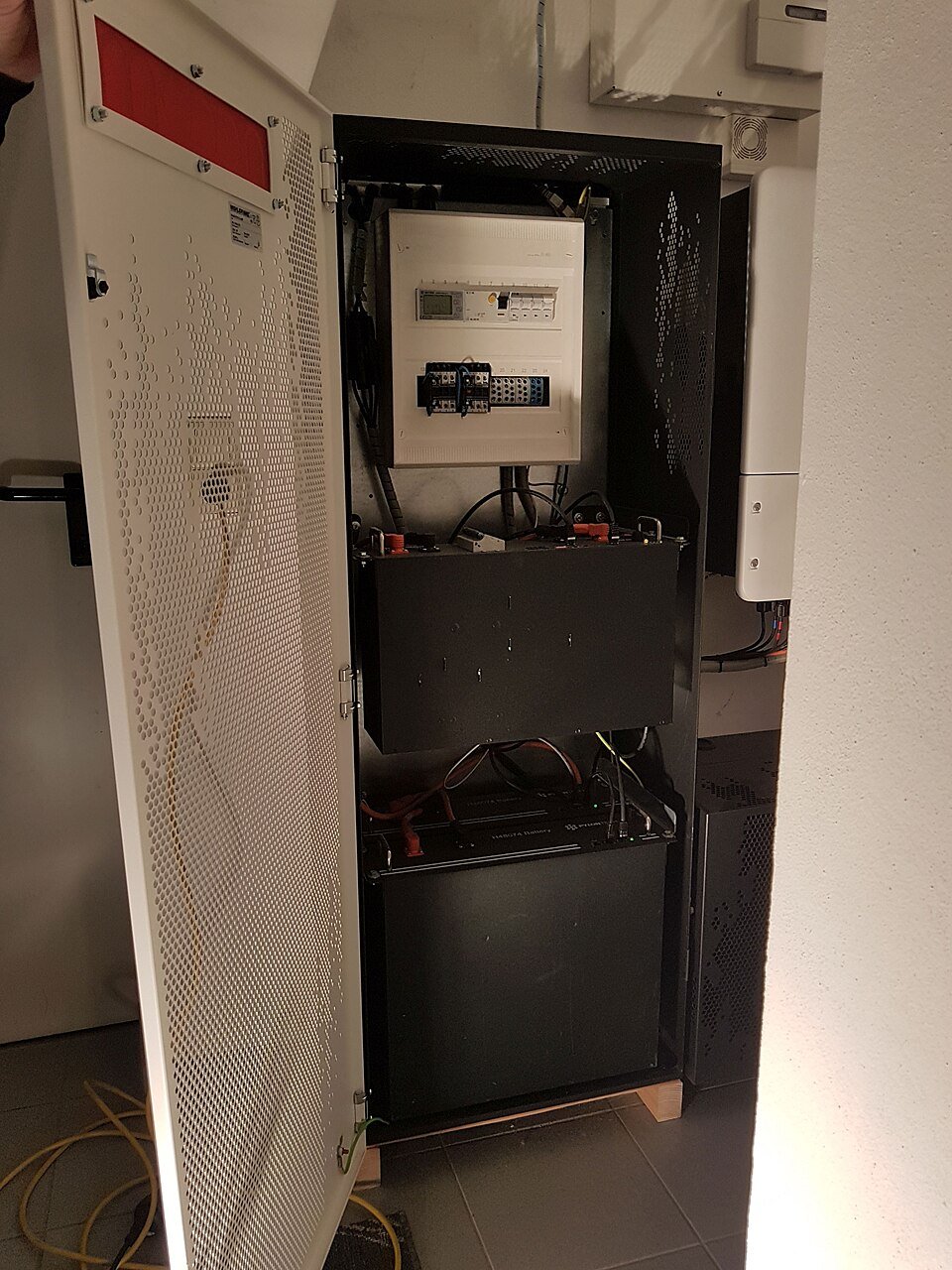
Start with the exact inverter
Fronius lists Reserva for compatible Fronius hybrid inverters and explicitly notes that the older Fronius Symo Hybrid is excluded. Compatibility also varies by battery size and inverter model, so do not stop at the word “Fronius.”
- Record the exact inverter model and power class. Check it against the current Fronius compatible-battery table.
- Select the Reserva size. Current Reserva towers use 2–5 modules for 6.31–15.79kWh usable capacity.
- Check expansion. Fronius states up to four batteries can operate in parallel on supported designs; the inverter and project configuration still control what is permitted.
- Confirm backup mode. Backup capability depends on the compatible Fronius inverter and the rest of the installation, not the battery alone.
- Check environment. The manufacturer lists IP65 and -20 to +55°C ambient range, with power limits possible at temperature extremes.
- Verify current firmware and regional approval. Use the documentation applicable to the country and exact inverter/battery combination.
See the Fronius Reserva equipment page and the broader battery/inverter compatibility guide.