
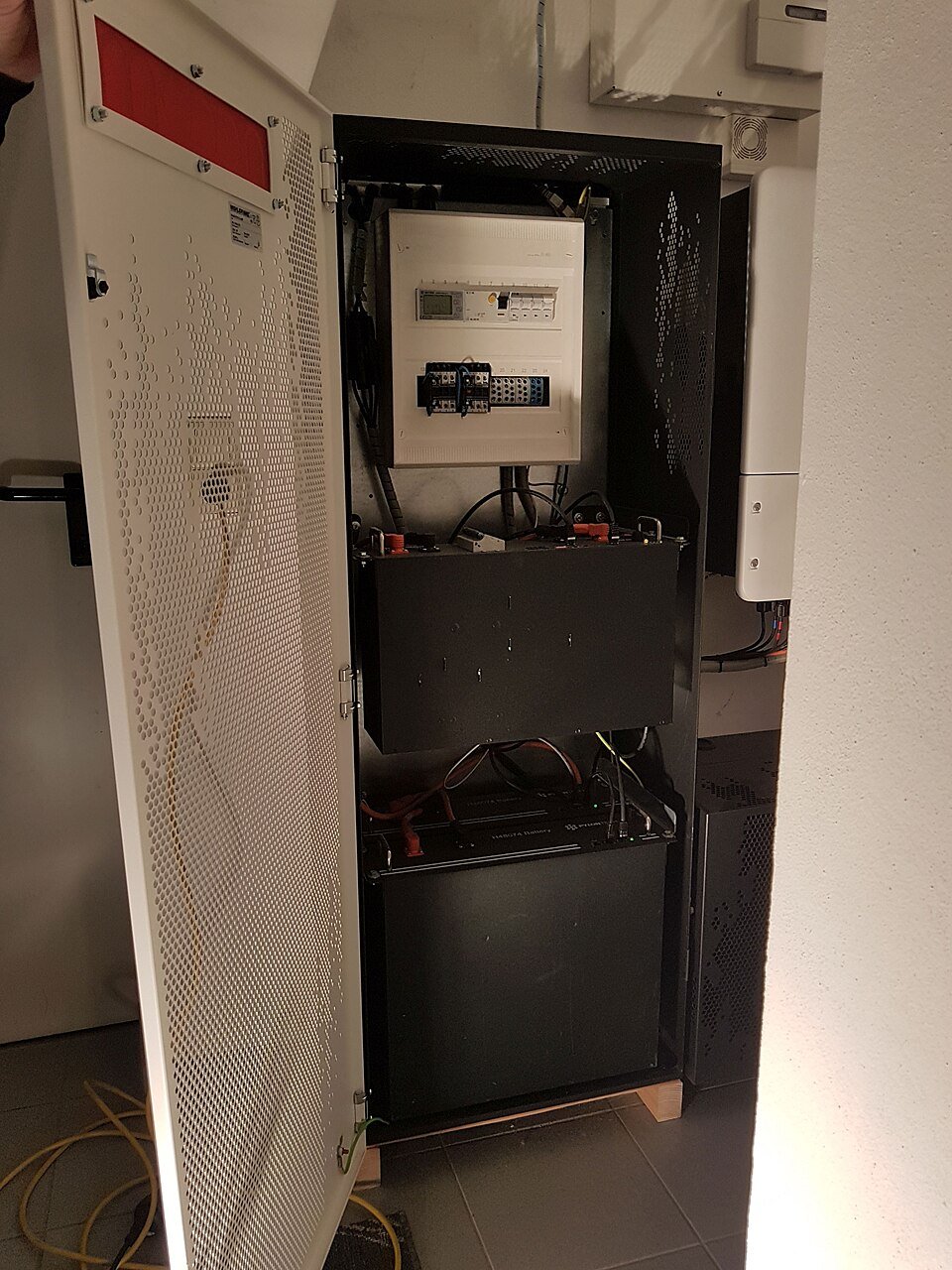
First distinguish a display problem from an energy problem
A state-of-charge percentage is an estimate produced by the battery management system, not a direct fuel gauge. If the displayed percentage jumps, stalls or reaches zero unexpectedly, record whether the battery actually stopped supplying energy, whether the inverter stayed online and whether the local display agrees with the cloud app. A communications interruption can create stale data without changing the physical battery state.
Collect a full charge-discharge timeline
Record starting state of charge, charging source, charging power, time to the reported upper limit, discharge power, time to the lower limit and any reserve setting. Note ambient temperature and recent firmware changes. A single screenshot is less useful than a timeline showing how the estimate behaved over several hours. Do not intentionally deep-cycle a battery outside normal operating instructions merely to test the gauge.
Use only manufacturer-approved calibration procedures
Some products recalibrate automatically after specific operating conditions; others have service procedures or firmware logic that should be performed by an authorized installer. Avoid generic internet advice that asks users to bypass reserve limits, disconnect battery modules or force repeated full cycles. Those actions can conflict with warranty, safety or system-control requirements.
Close the case with measured evidence
If a qualified technician performs a supported calibration, record the before-and-after firmware versions, settings and observed usable energy. If the displayed state of charge remains inconsistent, the evidence can help separate sensor, communication, cell-balance and capacity issues. The usable energy and reserve guide provides useful context for interpreting the result.